Record a Payment
Record a Payment
Manually recording a payment is usually only needed with payments made by cash.
Sometimes this also has to be done for bank transfer payments if the members
has not used the correct bank reference which prevented the
bank reconciliation process from handling this.
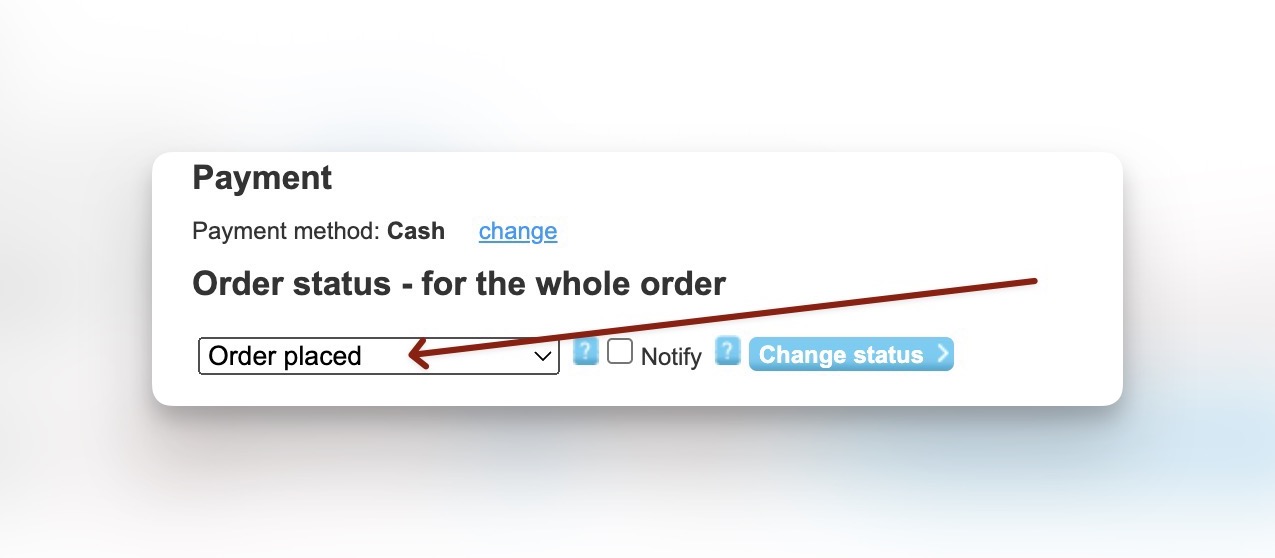
Start by bring up the order status for the order in question.
- Click in the order status field to see the options
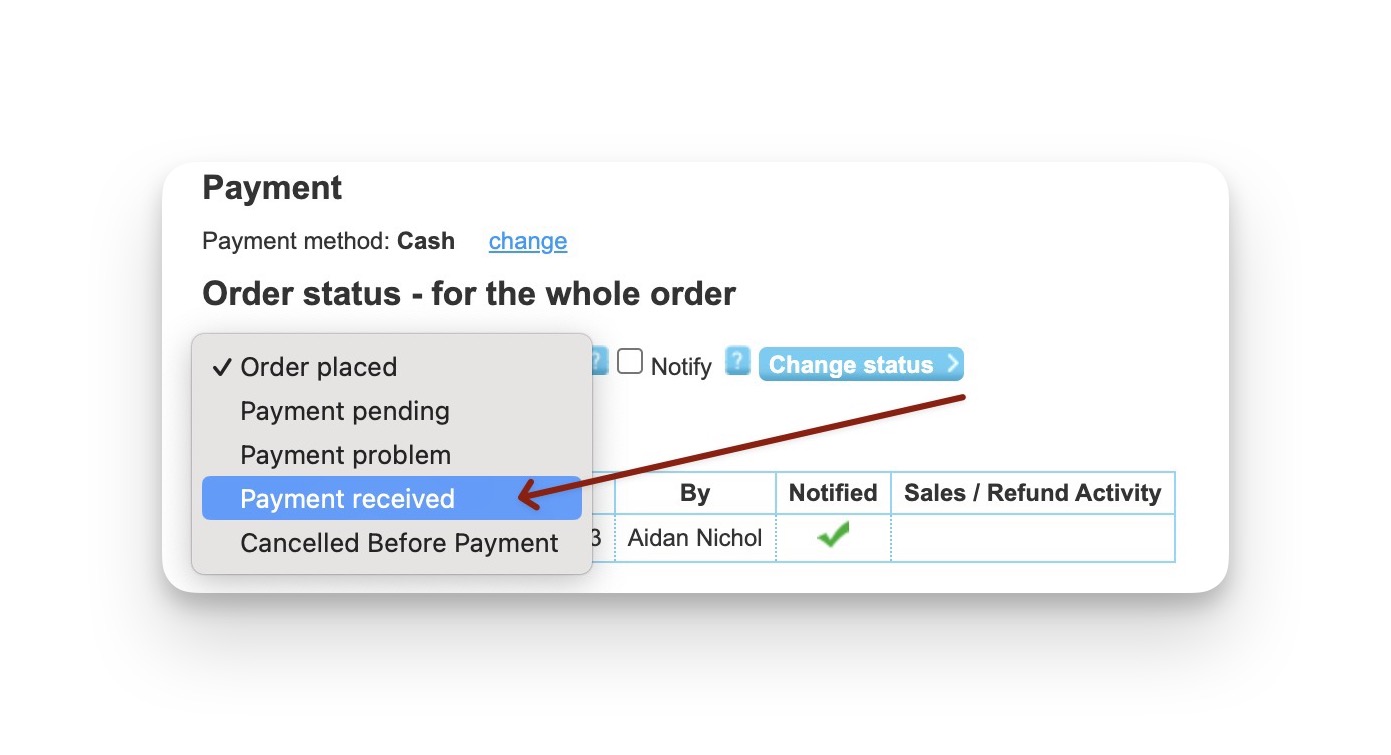
- Select Payment Received
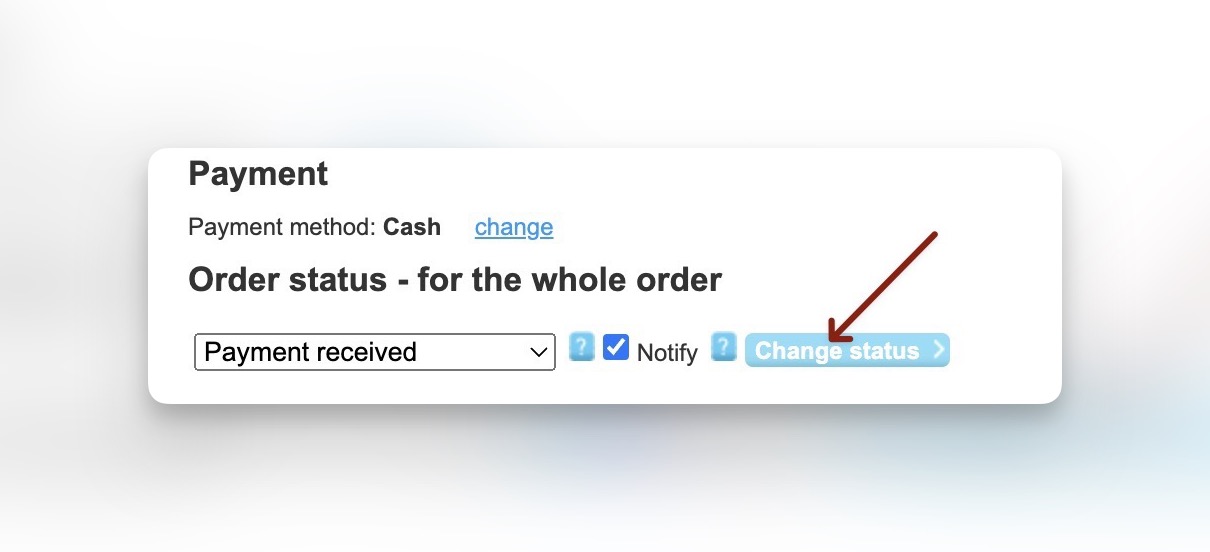
- Uncheck notify if some reason you don’t want to send the confirmation email. Click update Status
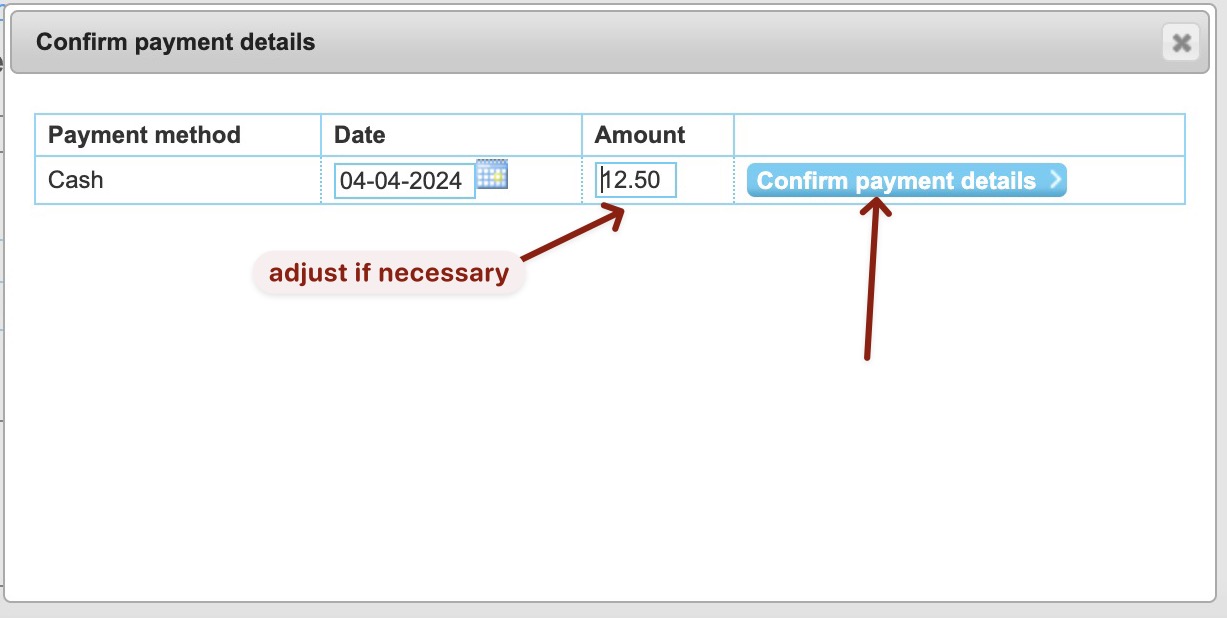
- A confirmation check box will appear. If the amount paid does not match the order value then adjust the amount value in the form.
This will cause the difference to be record in the members account. Click confirm or press enter.
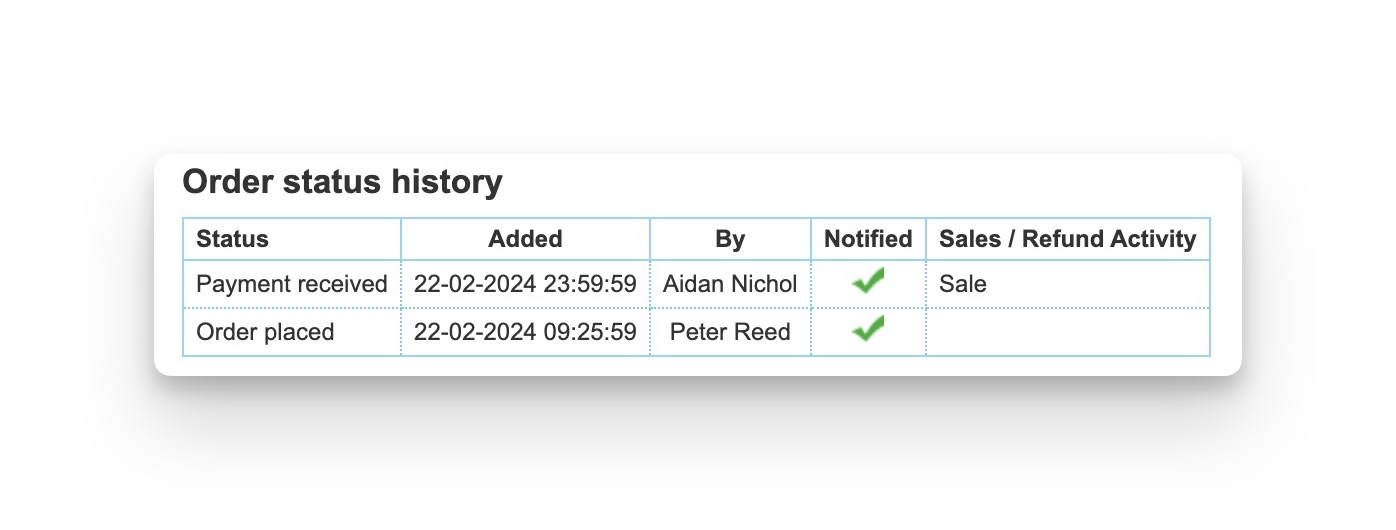
- The order history is automatically update to record the payment