Member Status
Other than taking bookings, all action on a specific member starts by accessing the information for the member via the admin home page.
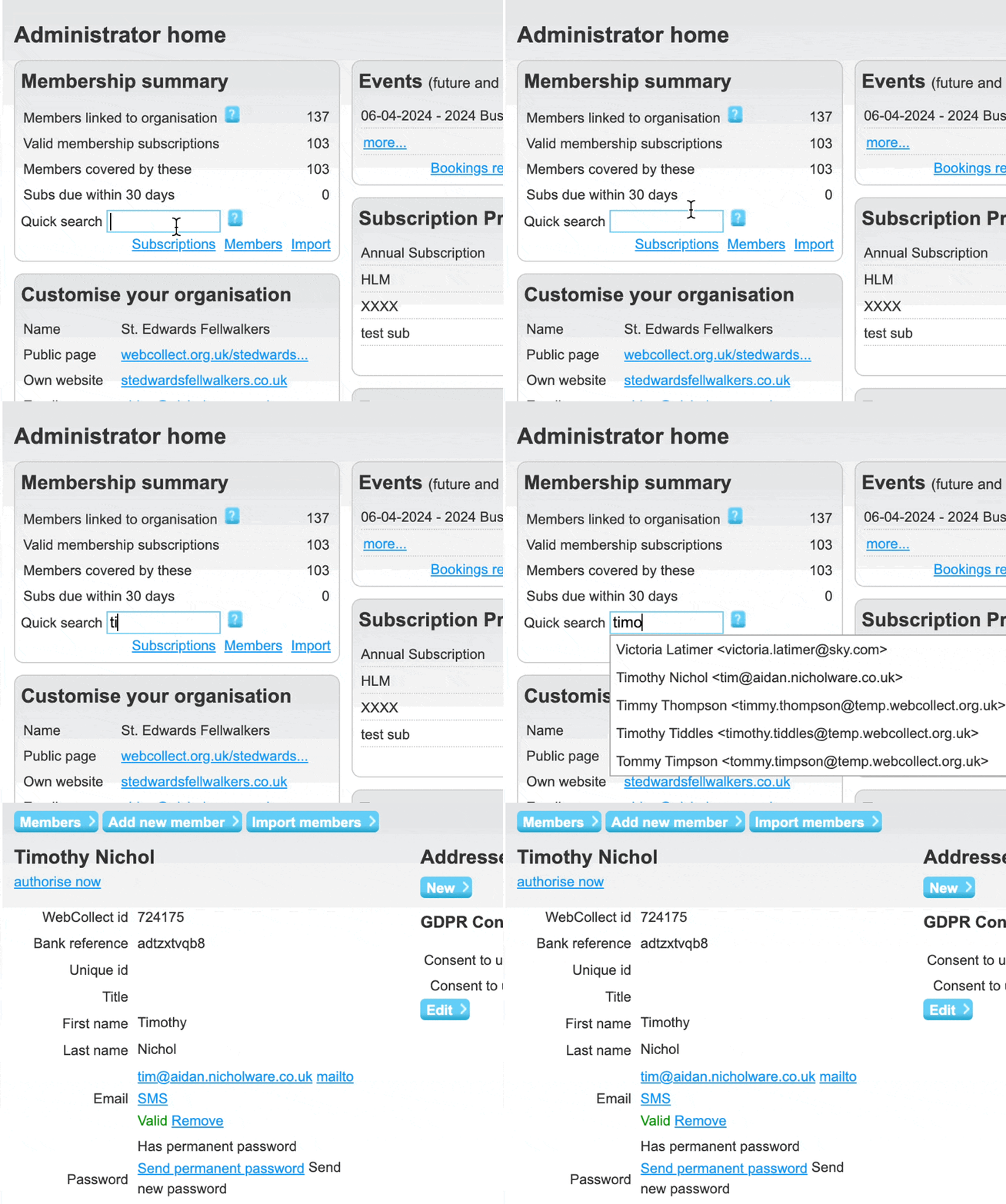
Type part of the members name or email address into the search box on the Members section of the admin home page. As you type a dropdown list will appear with matching name. Select the required member from the list.
The members status page is the gateway to managing all information about a members and their bookings
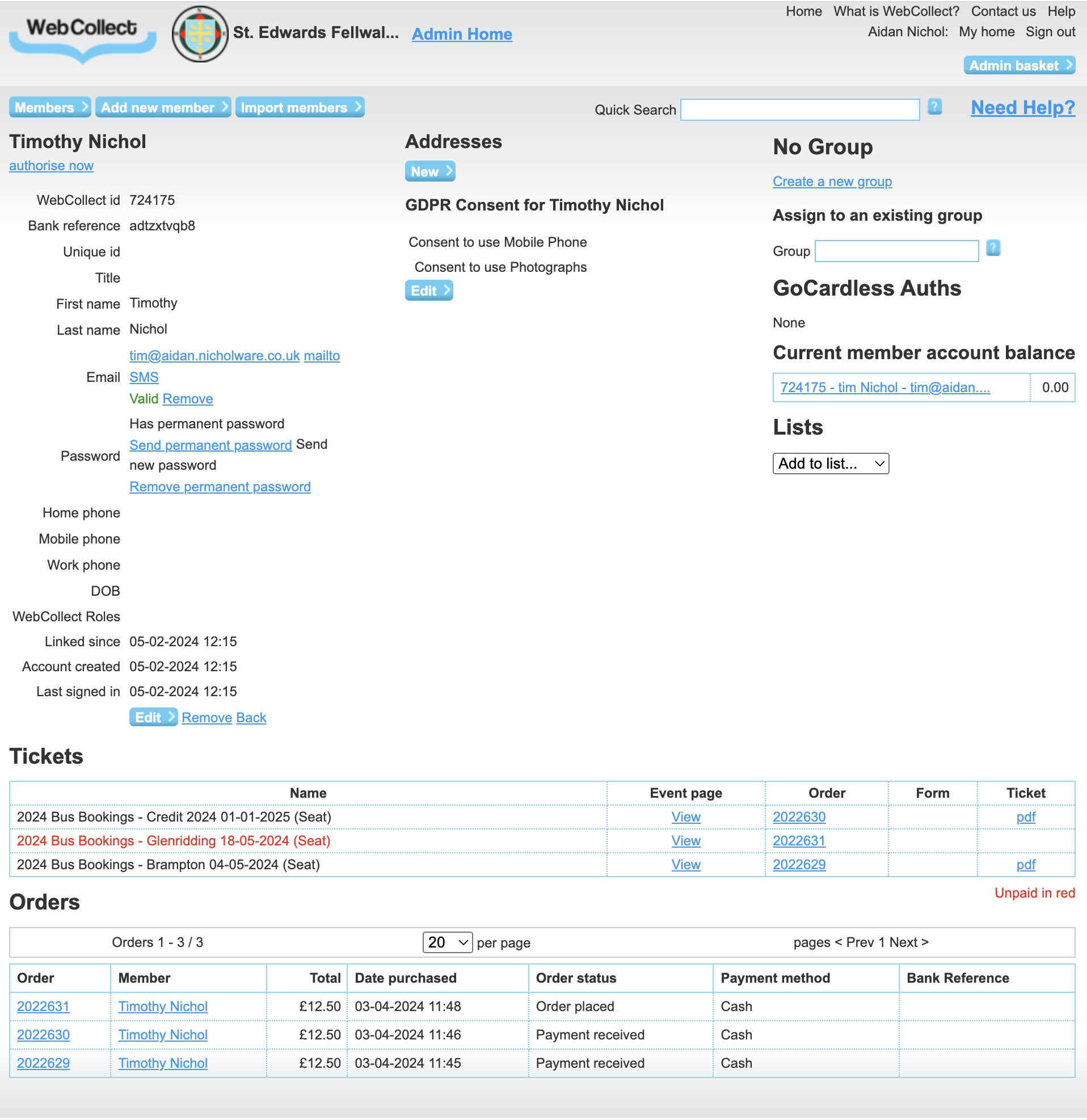
While on a members page you can swap to a different member by typing a new name here

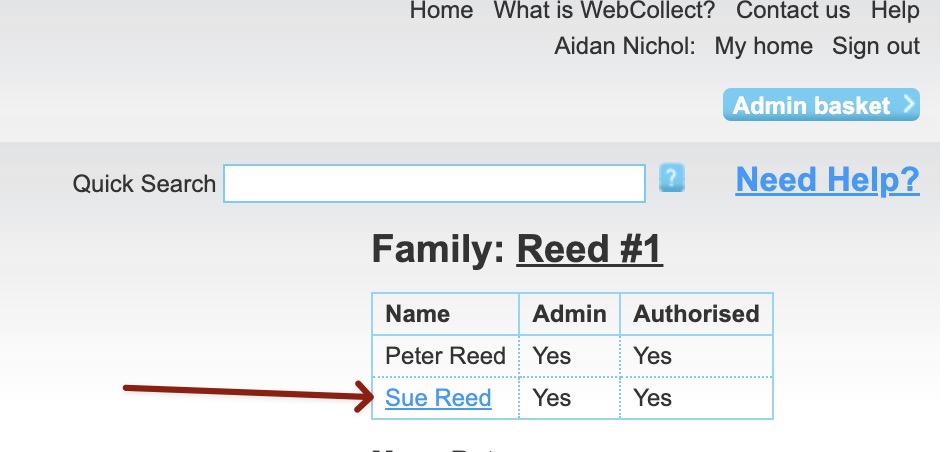
And if the current member is in a family group you can use the family data shown to flip between family members